
Stop chair flying.
A study assistant for student pilots, for the days between lessons.
Between lessons, the training stops.
What you do on the days you are not flying decides how the paid hour goes.
Five apps, none of them talking to each other, and none of them know what you did in the last lesson.
-
01
Fly the procedure again The cockpit you fly, in 3D, with every switch where it actually is.
-
02
Practise out loud Radio calls scored on the readback, IFR intercepts, arcs and holds.
-
03
Look it up properly Answers and quizzes drawn from your POH, your SOPs and the regs.
-
04
Brief the next one Walk the departure with an instructor that pushes back where you are vague.
One place, and it remembers what you got wrong last time.
Fly the procedure. Don't mime it.
Find the switch before the flight does.
Every control where it is on the real panel, on the type you train on.
Run the flow, not the words.
Tap through the checklist and the panel answers.
Arrive with the first ten minutes already spent.
So the paid hour starts at the hold, not at the master switch.
From students who were where you are.
VOLAR started with a handful of student pilots at one school. These are their words.
I stopped wasting the first ten minutes of every flight working out where everything is. You've already done it forty times by then.
I practised the calls over and over until I could say them without thinking. Nobody hears you, so you can be as bad as you need to be at the start.
I use it most on the days I'm not flying. Those used to be the days I did nothing.
The gap between lessons was where I lost everything. Now it's where I catch up.
One place for everything between lessons.
One login, eight tools, and they know what you did in the last lesson.
Free to start. Pro when you're serious.
Every plan: the library, dashboard, streak, weak topics, review queue and home-airport METAR. RT trainer Learn and Practise. Knowledge checks across the EASA and FAA syllabus.
Prices in EUR, tax inclusive. Paddle is the merchant of record.
Are you a flight school?
Your students study from your SOPs, and you see what the cohort does not know yet. Onboarding is a week.
The page for schools →Reading between lessons.
Practical guides on the theory, the procedures and the radio, written by the people building VOLAR. Free to read, no account needed.
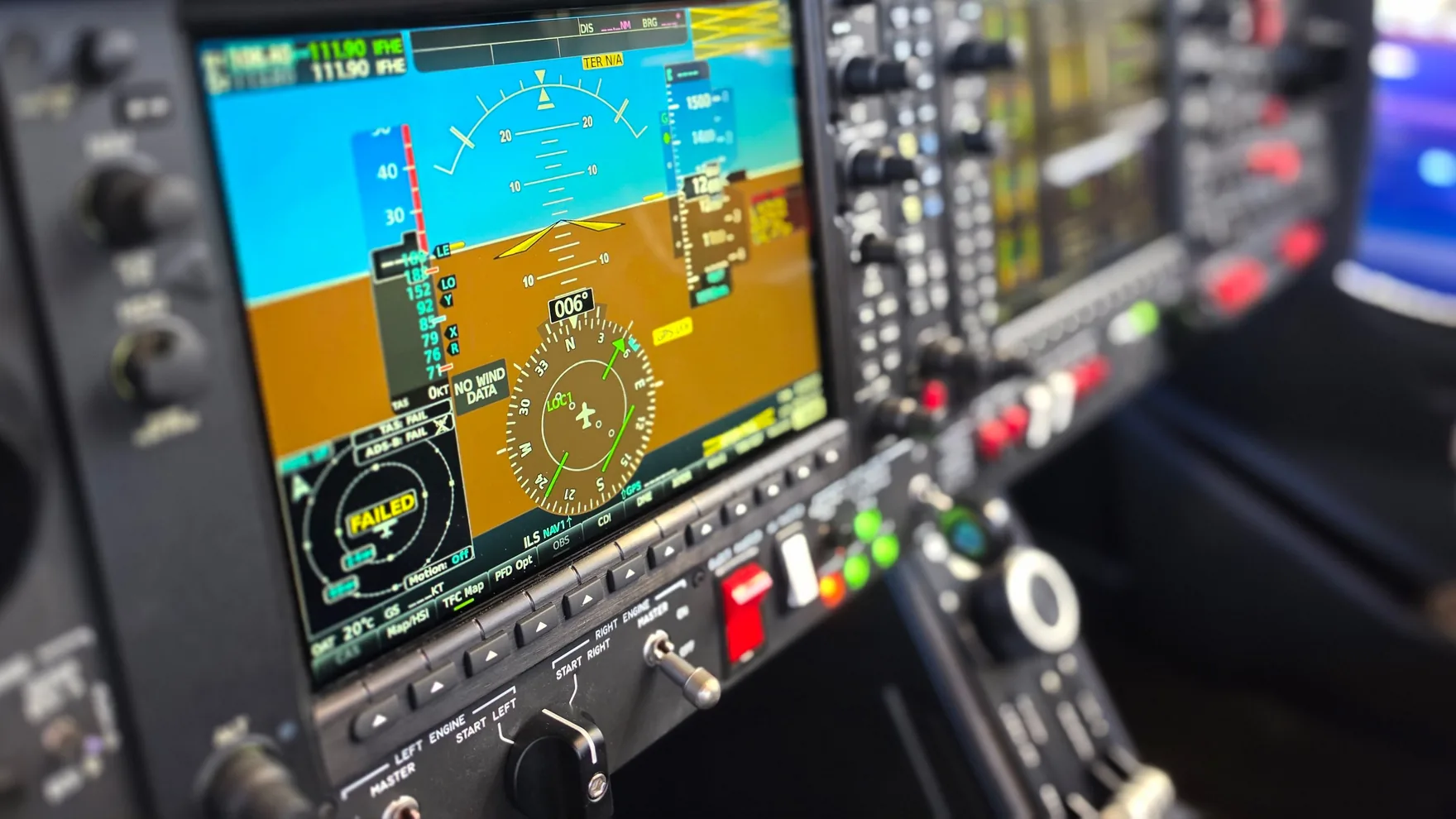 IFR
IFR
Tools for practising IFR procedures: holds, arcs and intercepts
What you can use to drill holds, arcs and intercepts without renting an aircraft, and what each one actually trains.
2026-09-11 · 8 MIN Radio
Radio
How to practise radio calls: every method compared
Nine ways to practise between lessons, what each one costs, and what each one is actually good for.
2026-09-11 · 9 MINYour next lesson is in four days. Start tonight.
A 30-minute walkthrough, with your own documents if you like. A real person answers.